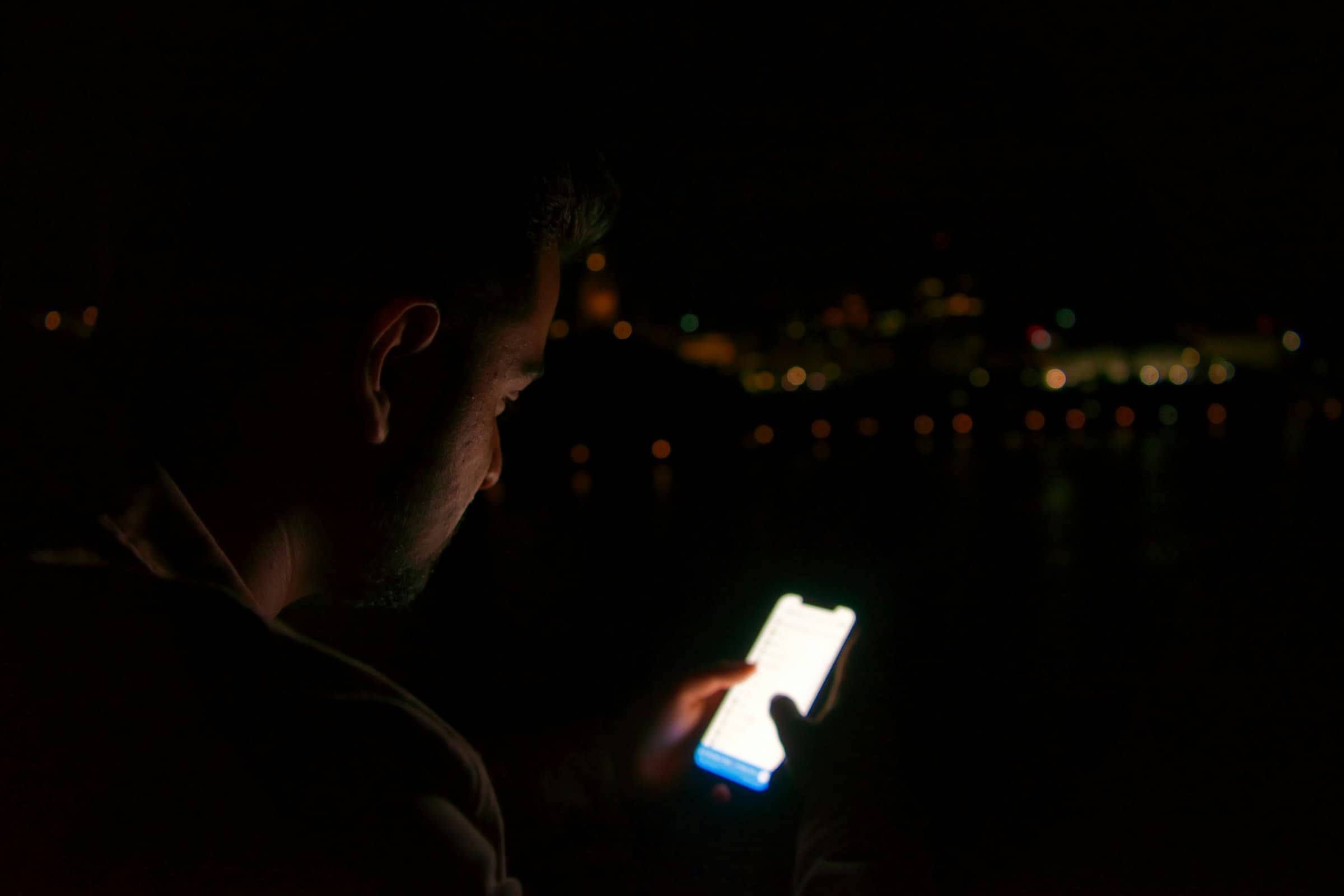
App limits don't work when you control them.
Warden blocks distracting apps and puts the unlock in someone else's hands.
The part that never works
You set the limit. Then you lift it.
Thirty minutes on Instagram. You meant it.
Thirty minutes later the screen goes grey, and there’s a button on it. You’re tired, it’s late, and you’re the one who gets to decide.
You tap Ignore Limit. We’ve all done it.
Screen Time
Limit reached
Instagram · 30 minutes
Nothing here is actually stopping you.
What Warden changes
So Warden takes that button off your phone.
The plan is still yours. The one thing you hand over is the power to break it early.
- 01
You choose which apps.
- 02
You choose the hours.
- 03
Someone you trust becomes your Warden.
- 04
When you want in early, you ask them.
See it happen
Ask, and wait for the answer.
Tap the button. The request goes to Alex, who can open it, shorten it, or leave it shut. If Alex says no, or says nothing, the app stays closed.

Instagram is blocked
Until 7:00 am. Alex holds the early unlock.
There is no button that skips this.
Want both sides? Try the full two-phone demo
Willpower is easy to override. Accountability is not.
You shouldn’t have to win the same argument with yourself every night.
Real situations
What people set it for.
Doomscrolling at night. Studying without reopening Instagram. Staying off the betting apps. Keeping social media out of work hours.
For work
Keep social apps closed while you work.
Block feeds and video while the important work is still fresh.

For students
Keep your study time clear.
Protect a repeatable evening study window.
For social media
Put the feed down when it stops being fun.
Close the feeds once the day is done, so the last hour is yours.

For gaming
Stop the session that was going to be one match.
The lobby closes, so tomorrow is not spent recovering from tonight.
For sleep
Give yourself the hour before bed back.
The feeds close so the day can actually finish.

For betting and prediction markets
Keep some room between you and the next bet.
The apps stay closed. Getting in early goes through your Warden, not through you.
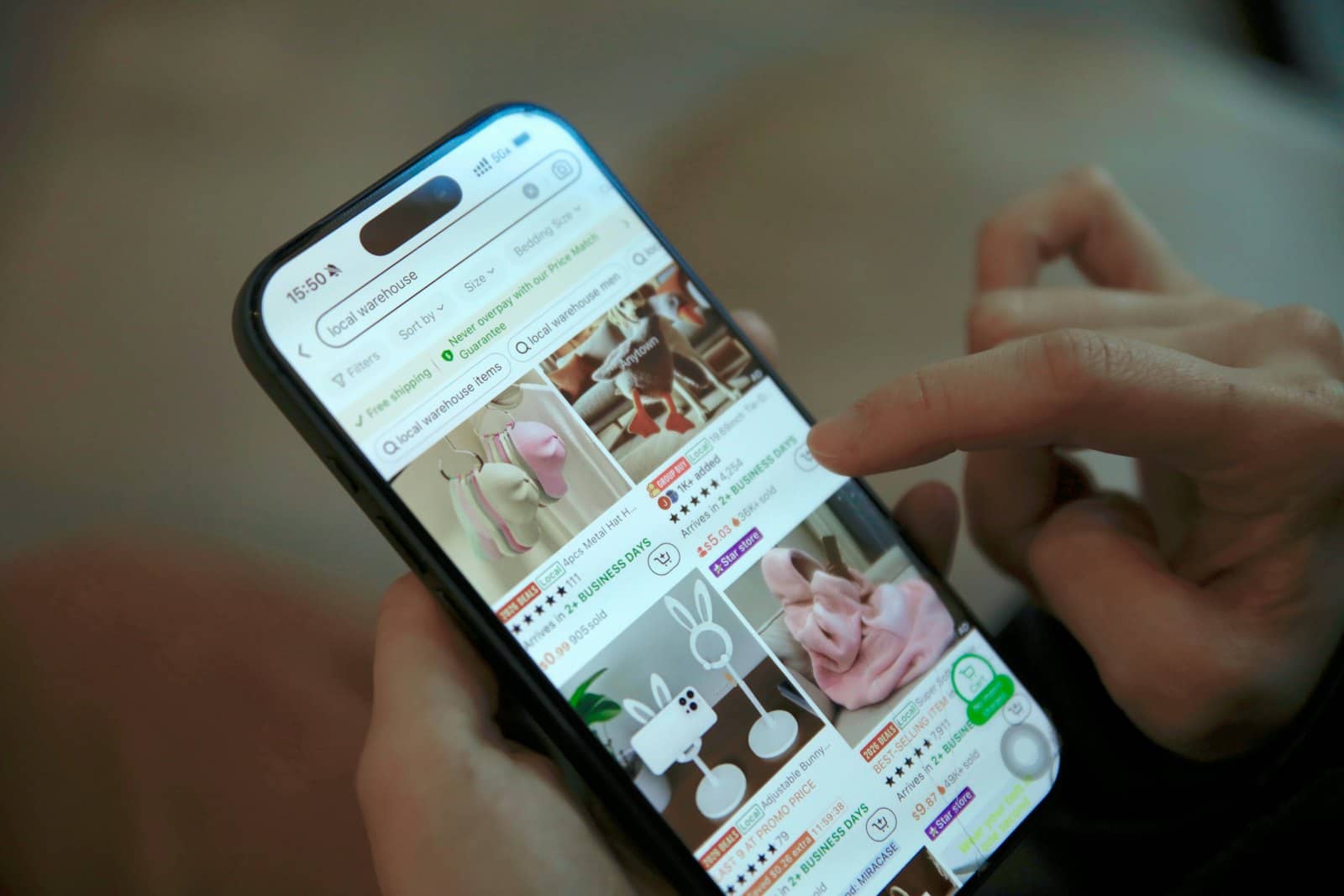
For shopping
Close the app before the cart fills itself.
The shops shut for the hours most of the late-night buying happens.

For couples and families
Put the phone away while you are together.
Put the feeds away while everyone is together.

For wellbeing
Spend less time looking at your phone.
Let the day finish without one more refresh.
How it works
Three steps, then you’re done.
- 1
Pick your apps
Apple's own picker. The apps stay installed. Warden just holds the door.
- 2
Choose your Warden
One person: a partner, a sibling, a friend. Their setup is a minute, and free forever.
- 3
Ask when you want back in
During a block you send a request. They decide, and the timer re-locks on its own.
Before you install
The things you're about to wonder.
What if I actually need the app?
What if my Warden doesn't reply?
Can I just turn Warden off?
Does my Warden see what I'm doing?
Does it work on Android?
Ready to stop negotiating with yourself?
Pick your apps, invite one person, and the next time you reach for the app at the wrong hour it is not your call alone.
Free to try · iPhone, iOS 17 and newer